
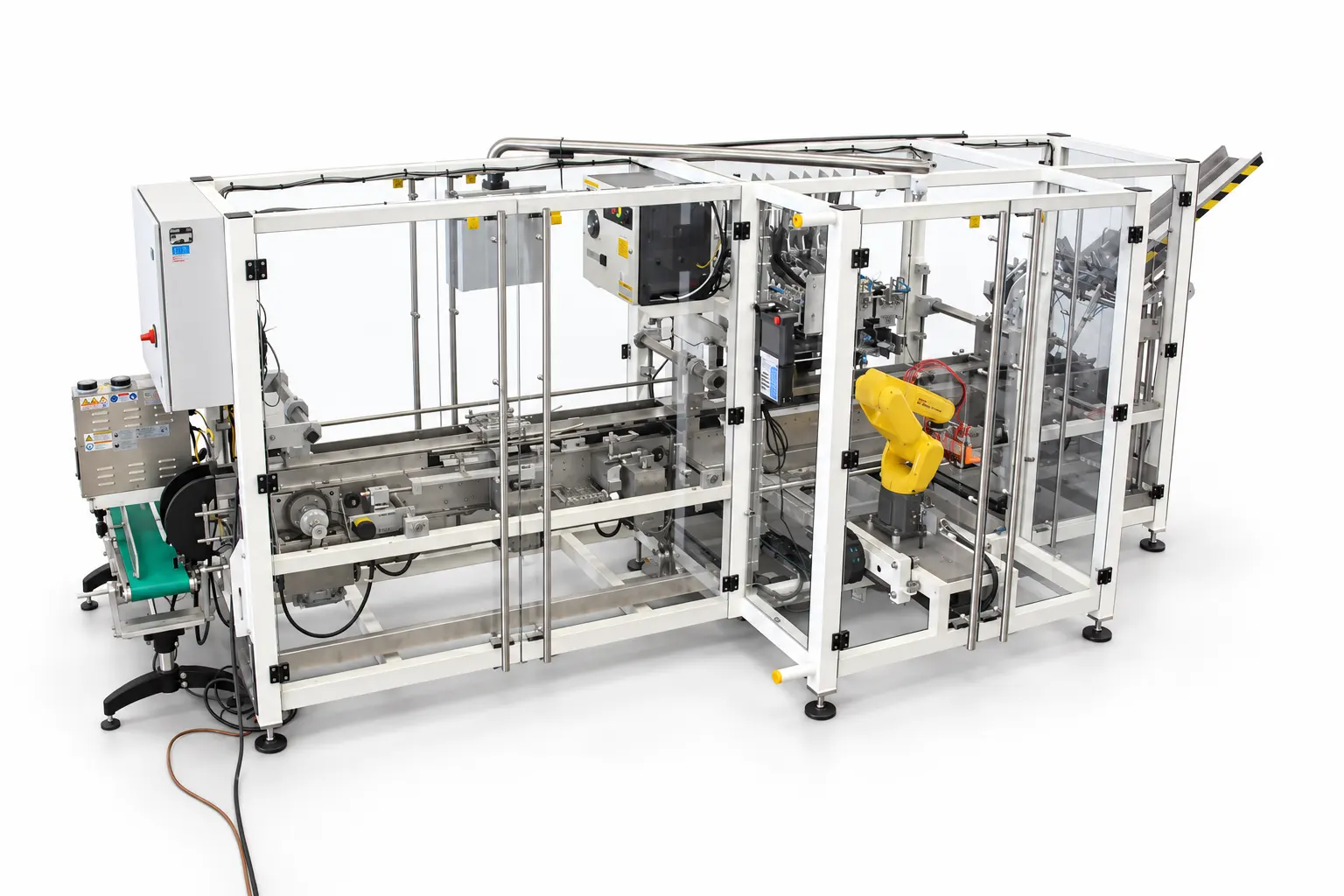
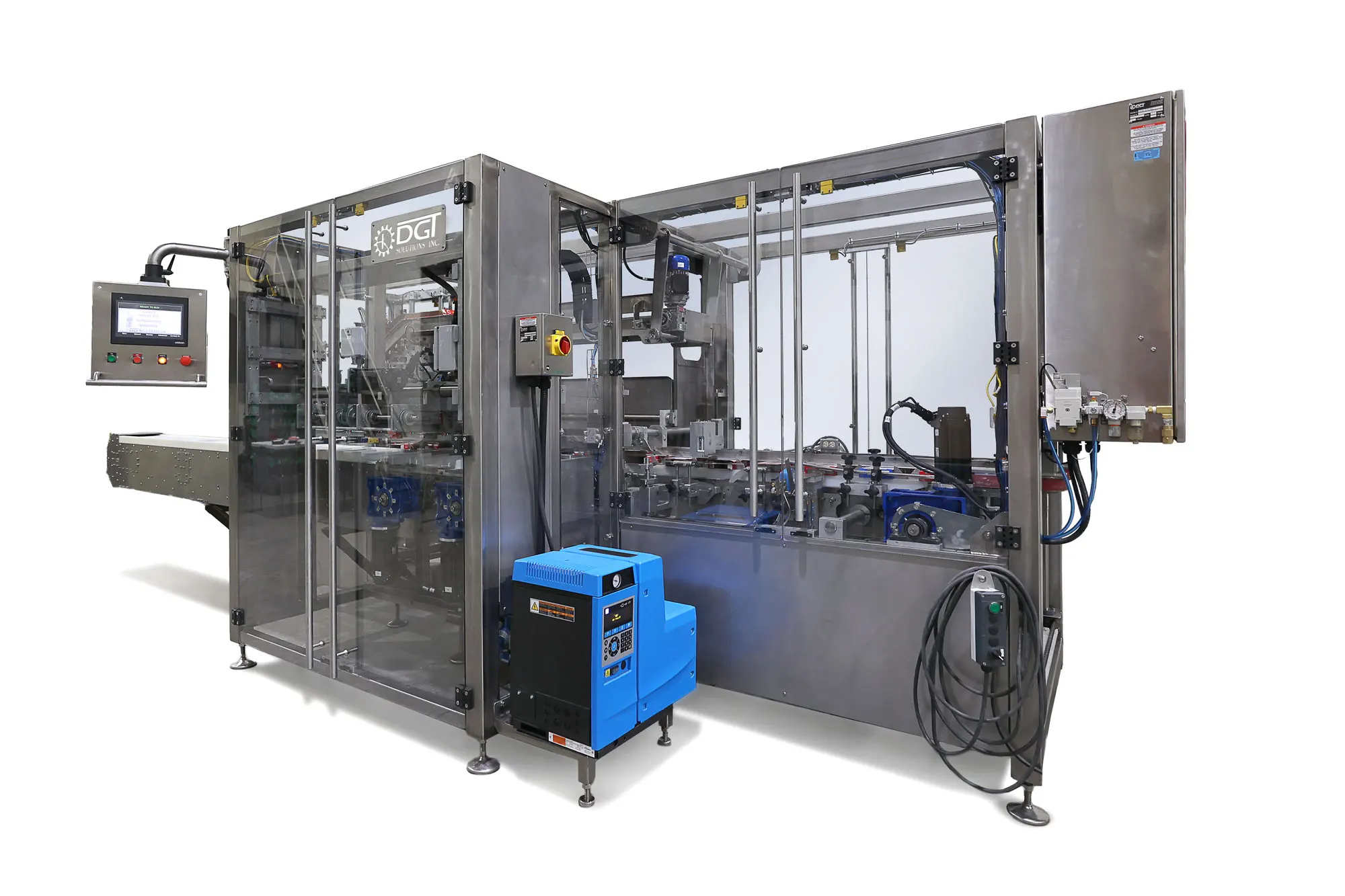
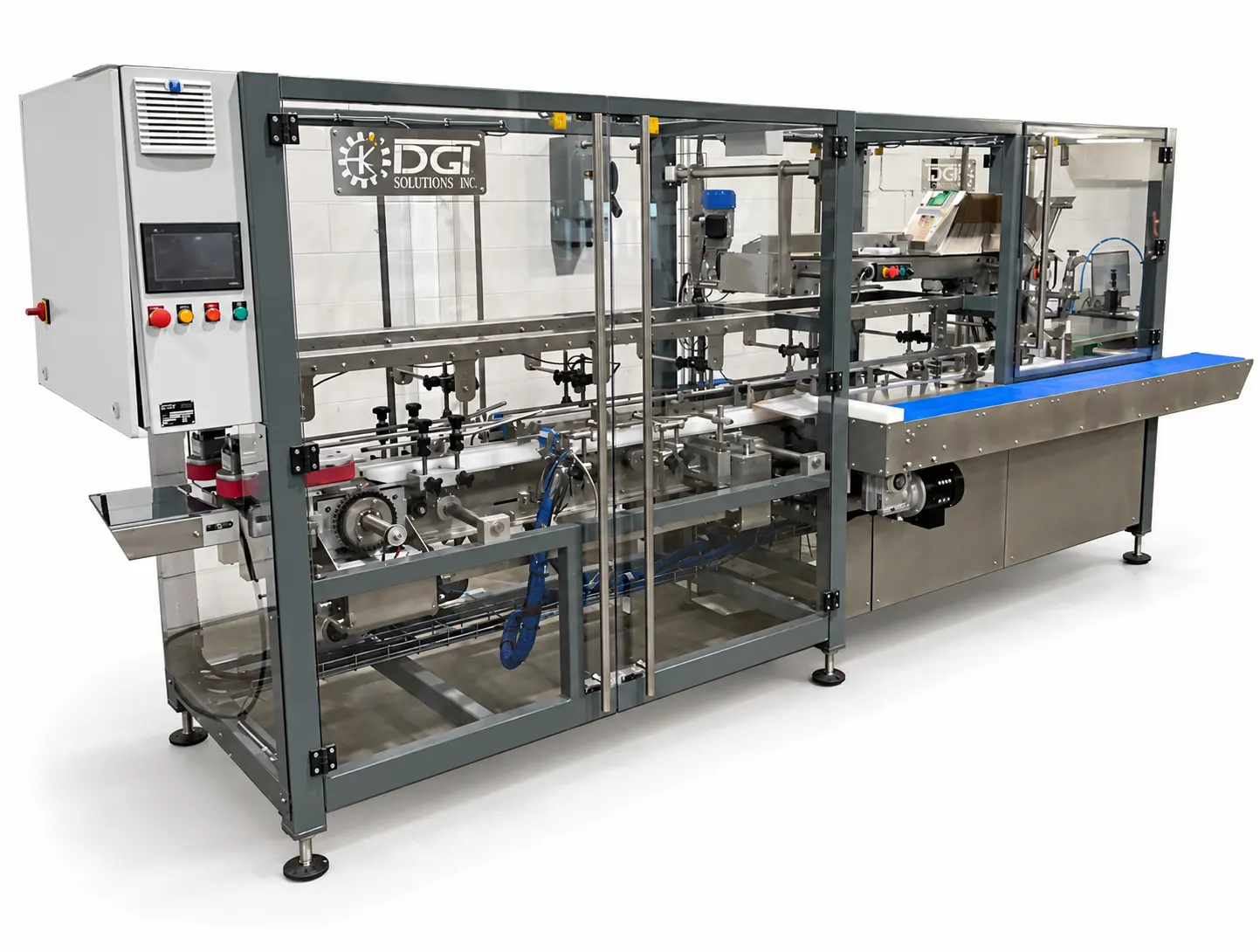
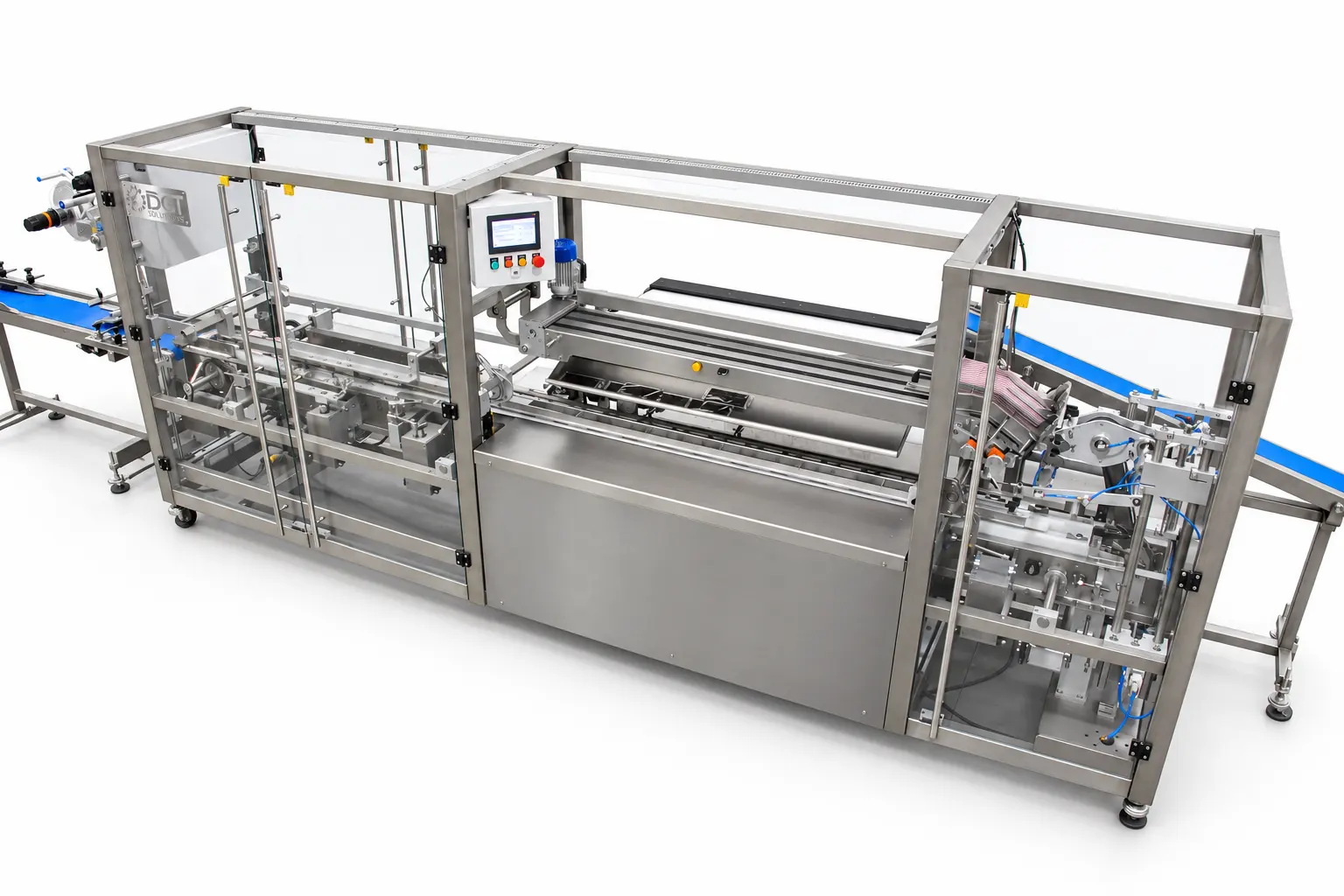
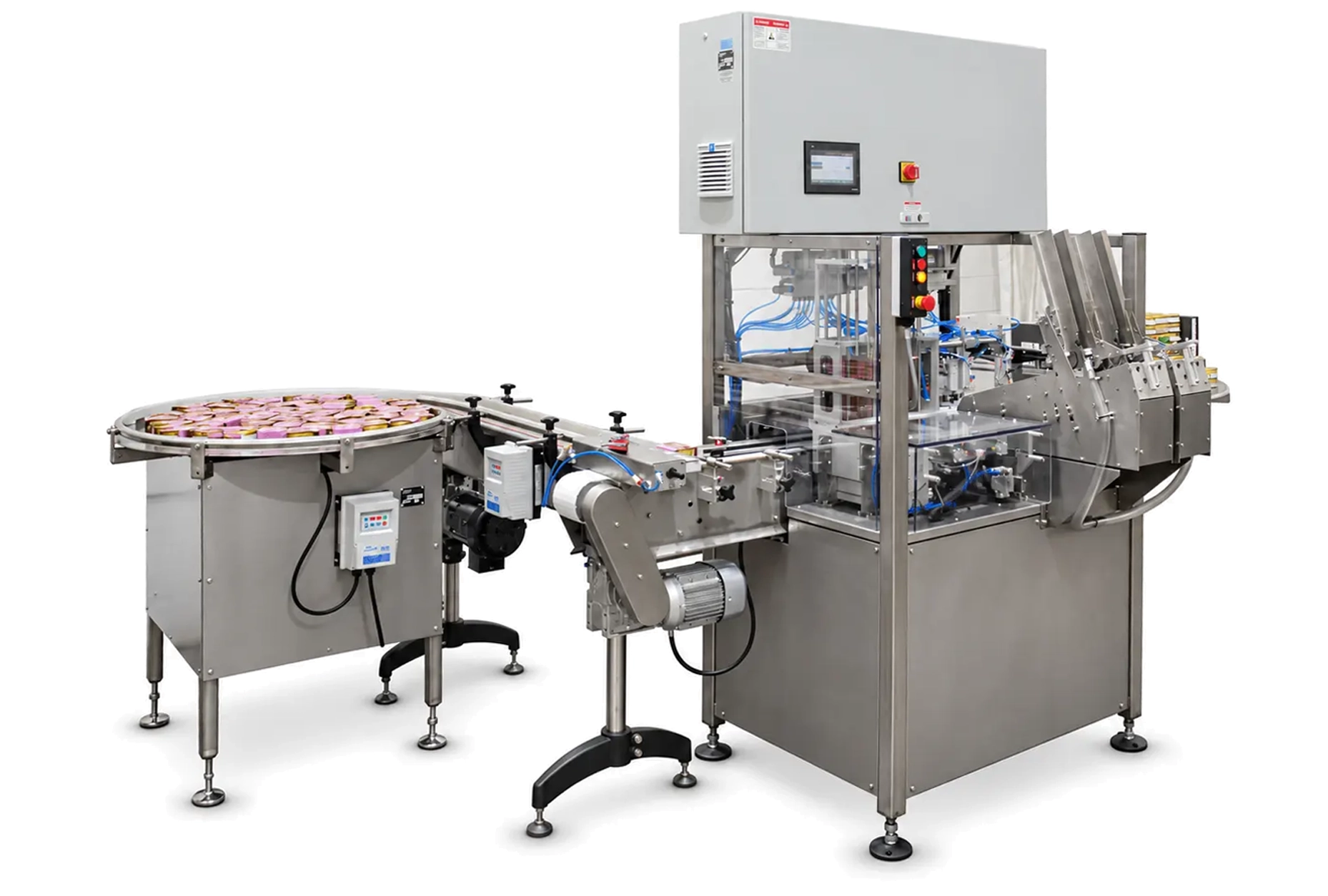
DGT Solutions cartoning machines form cartons from flat blanks, load products and close the finished packages. Applications include pouches, sachets, flow-wrapped products, bagged cereals, trays and bottles, with loading arrangements matched to the product and carton format.
Semi-automatic configurations combine automatic carton preparation with manual loading. Robotic systems can insert multiple identical items or different products together. Closure options include tuck-in, hot-melt sealing and application-specific stapling, with optional printing, labeling and safety-seal equipment available on selected configurations.
Carton forming, product handling and closing are configured around the product and package. Optional printing and labeling can be added to the selected system.
Cartons are taken from a magazine and opened with vacuum cups. The forming mechanism places them into conveyor compartments that support the cartons as they move toward product loading.
Picture note: The carton magazine and opening mechanism, with a carton being formed.
Products are presented to the loading section in the arrangement needed for insertion. A feeder can separate and count flat items, such as sachets or instruction cards, for grouped loading.
Picture note: Product feeding toward a cartoner’s loading area. Use a counted sachet or pouch example when discussing grouped flat items.
In semi-automatic systems, an operator loads the prepared carton. Automatic robotic configurations pick and insert products, including grouped items or combinations of products selected for the application.
Picture note: An operator loading a semi-automatic machine or a robot inserting products. Identify the configuration shown.
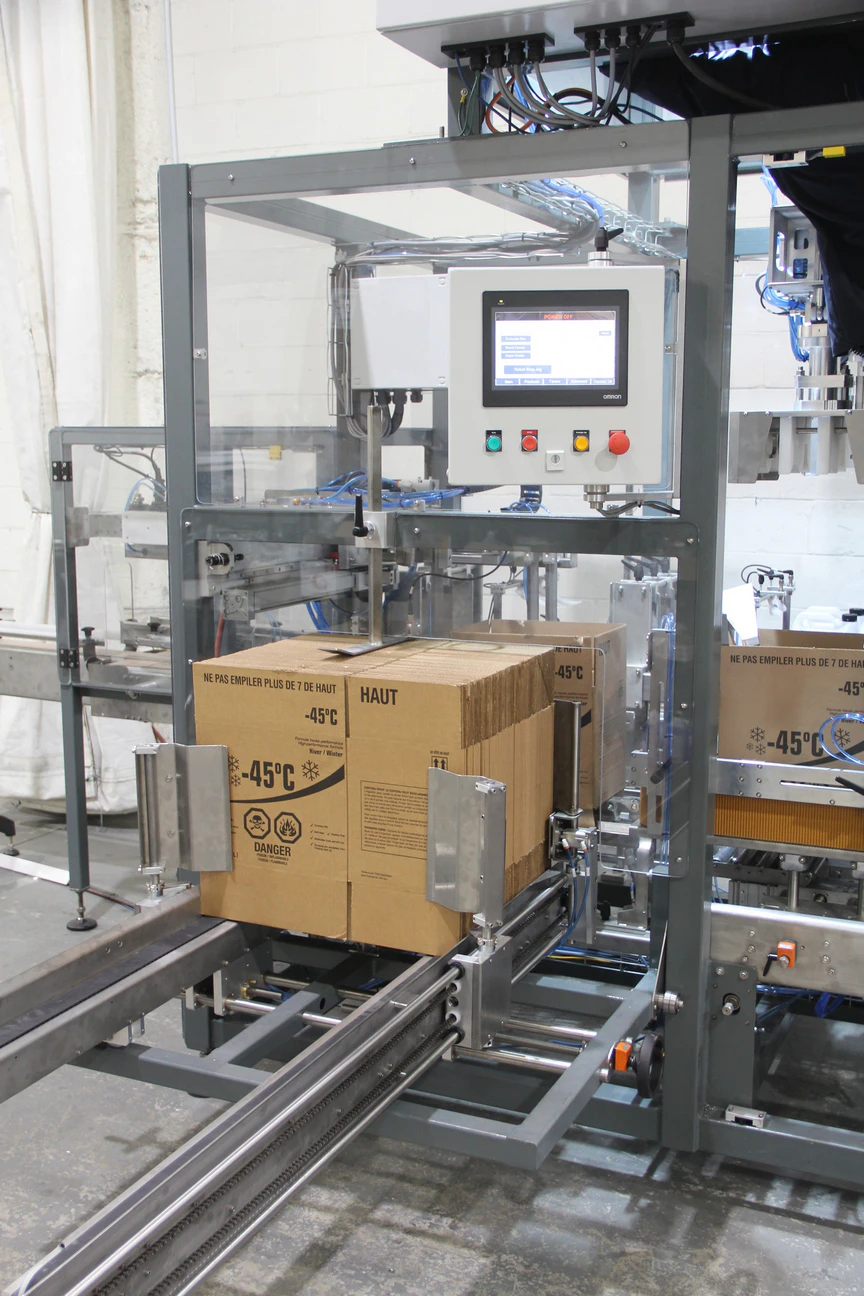
After loading, the carton advances to the closing section. Flaps are tucked into place or sealed with hot-melt glue according to the chosen package design.
Picture note: Carton-closing guides or the hot-melt station. Show the closure described in the caption.
Additional equipment can print product information directly on cartons, apply output labels or place safety seals across carton edges. These functions are selected as part of the packaging configuration.
Picture note: A carton printer, output labeler or safety-seal applicator working on a carton.
| Configuration Type | Available Choices |
|---|---|
| Operating mode | |
| Product loading | |
| Carton closure | |
| Optional printing | |
| Optional labeling | |
| Optional safety sealing | |
AVAILABLE CONFIGURATIONSThe ACPM can be configured to match different production layouts, packaging formats, and throughput requirements. |
|---|
Product Flow Layout Choices |
Container Type Choices |
Pick & Place System Choices |
Sealing Method Choices |
| Configuration type | Available choices |
|---|---|
| Operating mode |
Semi-automatic
Automatic
|
| Product loading |
Manual loading
Robotic loading
|
| Carton closure |
Tuck-in
Hot-melt glue
|
| Optional printing |
Product-information printing
|
| Optional labeling |
Output labeler
|
| Optional safety sealing |
Carton-edge seal applicator
|
Contact DGT Solutions to discuss the right configuration for your production requirements.

Get a strong return on your automation investment. Learn how DGT Solutions helps manufacturers improve efficiency with custom palletizing and industrial automation systems.
Call Now:

Quick equipment enquiry



 Filling
 Labeling
 Capping
 Shrink Sleeving
 Carton Sleeving
 Cartoning
 Case Packing
 Box Form/Seal
 Palletizing
 Depalletizing
 Pallet Wrapping
 Pallet Handling


 DGT Solutions